



The Dell OptiPlex 3060 desktop computer is designed for users who need dependable performance, long-term stability, and a practical form factor for everyday work. Whether used in a home office, a small business environment, or an educational setting, this desktop focuses on consistency rather than flashy design. Equipped with an Intel Core i5-8500 processor, a generous 32GB of DDR4 memory, and a fast 1TB solid-state drive, it addresses many of the common problems users face with older or underpowered computers. Slow boot times, lag during multitasking, and limited storage capacity are all issues this system is built to overcome.
From the outside, the OptiPlex 3060 presents a clean and professional appearance that fits naturally into almost any workspace. Its compact size makes it easy to place on or under a desk without dominating the area, which is especially important in offices where space efficiency matters. Dell’s long-standing experience in business-class desktops is evident in the way this system prioritizes usability, reliability, and straightforward maintenance.
Designed for Practical Workspaces


One of the main challenges many users encounter with desktop computers is finding a system that fits comfortably into their workspace. Bulky towers can take up valuable room, create clutter, and make cable management difficult. The Dell OptiPlex 3060 solves this issue through its compact form factor, which allows it to blend seamlessly into both home and professional environments.
This smaller footprint does not come at the cost of usability. The layout still provides easy access to ports and internal components, ensuring that daily tasks such as connecting peripherals or performing maintenance are straightforward. The understated design also makes it suitable for professional settings where appearance matters, such as offices, reception areas, or shared workspaces.
Intel Core i5-8500: Balanced Performance for Everyday Tasks


At the heart of the Dell OptiPlex 3060 is the Intel Core i5-8500 processor, a six-core CPU known for its balance between performance and efficiency. Many users struggle with systems that become unresponsive when running multiple applications at once. This processor addresses that problem by providing enough processing power to handle multitasking smoothly.
Office applications, web browsers with multiple tabs, communication tools, and light creative software all run comfortably on this CPU. The processor’s architecture ensures that everyday workflows feel responsive, reducing frustration and improving productivity. For users transitioning from older systems, the performance improvement is immediately noticeable, especially during tasks like opening large documents, switching between programs, or handling moderate workloads.
32GB DDR4 RAM: Eliminating Multitasking Bottlenecks

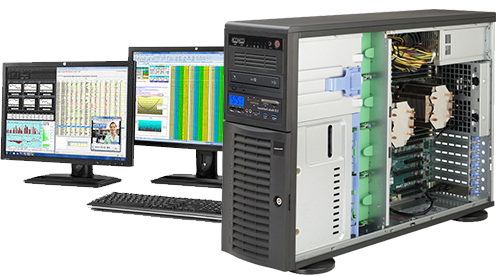
One of the most common causes of slow computer performance is insufficient memory. When a system runs out of RAM, it relies heavily on slower storage, leading to delays and interruptions. With 32GB of DDR4 RAM, the Dell OptiPlex 3060 effectively eliminates this bottleneck for most users.
This large memory capacity allows for seamless multitasking, making it possible to run several demanding applications simultaneously without noticeable slowdown. Users who work with spreadsheets, databases, virtual meetings, and browser-heavy workflows will appreciate the stability this amount of RAM provides. Even for more advanced tasks such as light photo editing or running virtual machines, the system remains responsive and reliable.
1TB SSD Storage: Speed and Space Combined


Storage performance plays a critical role in the overall user experience, and traditional hard drives often slow systems down significantly. The inclusion of a 1TB solid-state drive in the Dell OptiPlex 3060 addresses this issue directly. SSD technology dramatically reduces boot times, application launch delays, and file access times.
With this configuration, the operating system loads quickly, programs open almost instantly, and large files are accessed without hesitation. The 1TB capacity also provides ample space for documents, media files, and software, reducing the need for external storage solutions. This combination of speed and capacity makes the system feel modern and efficient, even under daily heavy use.
Built-In Wi-Fi and Bluetooth: Wireless Convenience
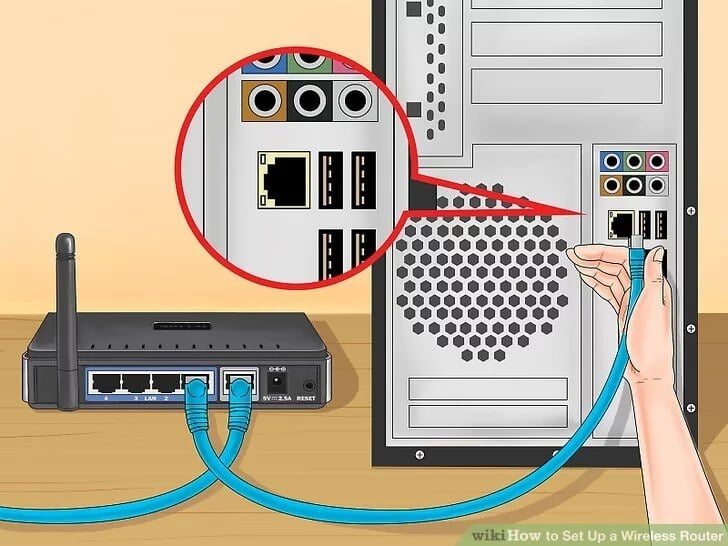

Modern workspaces increasingly rely on wireless connectivity, and the Dell OptiPlex 3060 meets this need with built-in Wi-Fi and Bluetooth support. Users no longer need to depend on Ethernet cables or external adapters to connect to networks or peripherals.
Wi-Fi connectivity ensures stable and fast internet access for browsing, cloud-based work, and online communication. Bluetooth allows for easy pairing with wireless keyboards, mice, headsets, and other accessories, helping to keep desks tidy and organized. This wireless flexibility solves common problems related to cable clutter and limited connectivity options.
Windows 11 Professional: A Productive Operating Environment
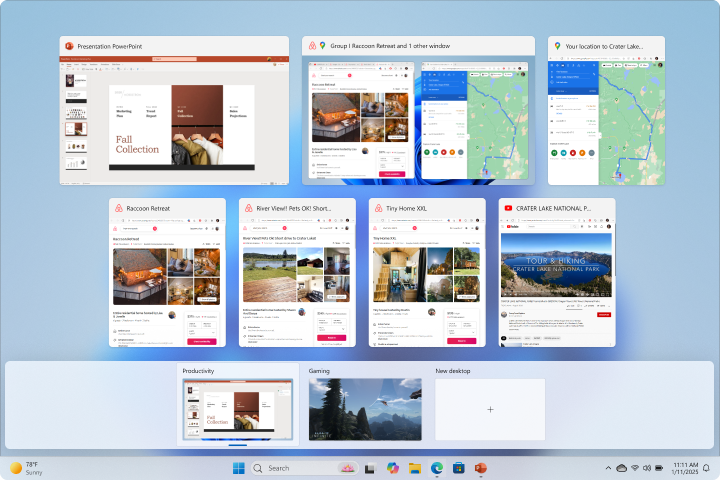
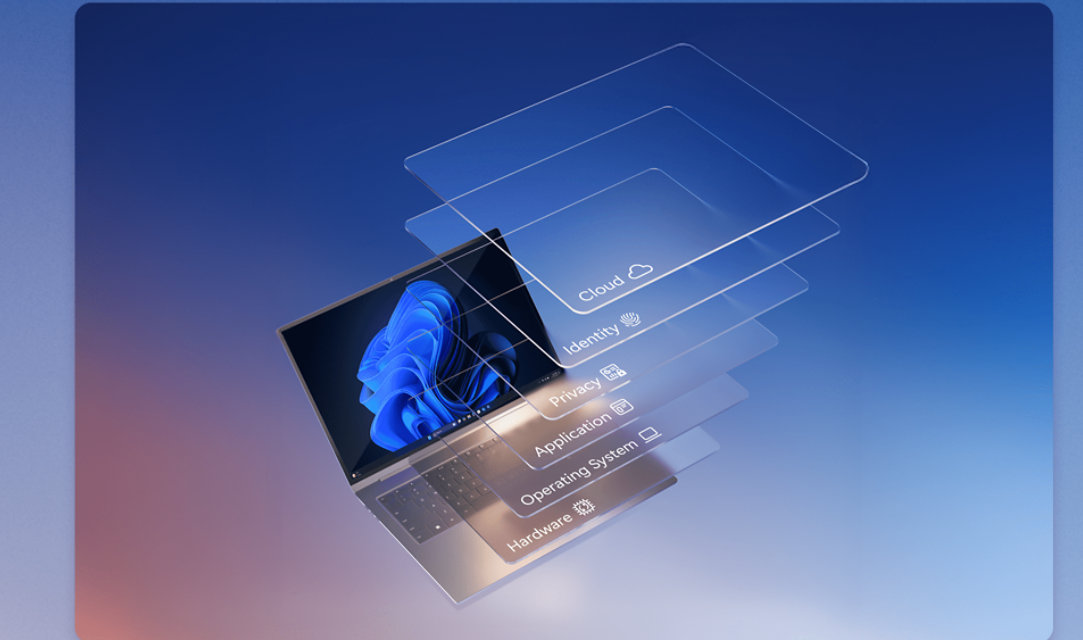
The Dell OptiPlex 3060 comes with Windows 11 Professional, an operating system designed with productivity and security in mind. Many users struggle with outdated software environments that lack modern features or security updates. Windows 11 Pro addresses these concerns by offering improved multitasking tools, enhanced security features, and a streamlined user interface.
Features such as better window management and virtual desktops make it easier to organize tasks and maintain focus. Built-in security tools help protect sensitive data, which is especially important for business users. The operating system also ensures compatibility with a wide range of professional applications, making it a solid foundation for long-term use.
Reliable Performance for Office and Home Use

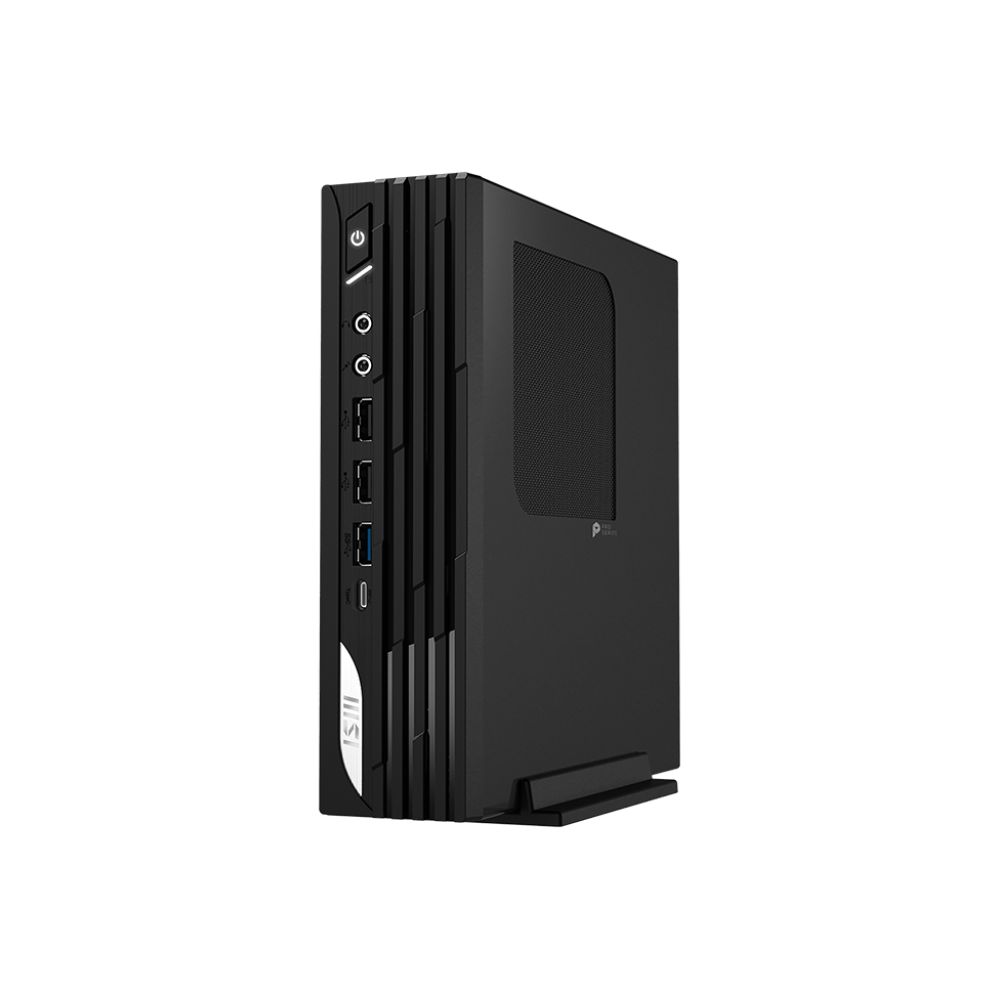
Whether used in an office or at home, the Dell OptiPlex 3060 delivers consistent performance that supports daily routines. Office users benefit from its ability to handle productivity software, email, video conferencing, and document management without interruption. Home users appreciate its responsiveness for everyday tasks such as browsing, streaming, and managing personal projects.
This versatility solves the problem of needing separate systems for different environments. A single OptiPlex 3060 can comfortably serve as a shared family computer or a dedicated work machine, adapting to changing needs over time.
Quiet Operation and Efficient Cooling

Noise can be a significant distraction, especially in quiet offices or home environments. The Dell OptiPlex 3060 is engineered to operate quietly, with an efficient cooling system that manages heat without excessive fan noise.
This design ensures that long working sessions remain comfortable and distraction-free. Effective cooling also contributes to system longevity by preventing overheating, which can reduce component lifespan in poorly designed systems.
Easy Maintenance and Upgrade Potential


Many users worry about the difficulty of maintaining or upgrading desktop computers. The OptiPlex 3060 addresses this concern with a design that allows relatively easy access to internal components. This makes routine maintenance or future upgrades more manageable.
Although the system is already well-equipped with memory and storage, the ability to service the device helps extend its useful life. This approach reduces the need for complete replacements and supports long-term cost efficiency.
Security and Data Protection

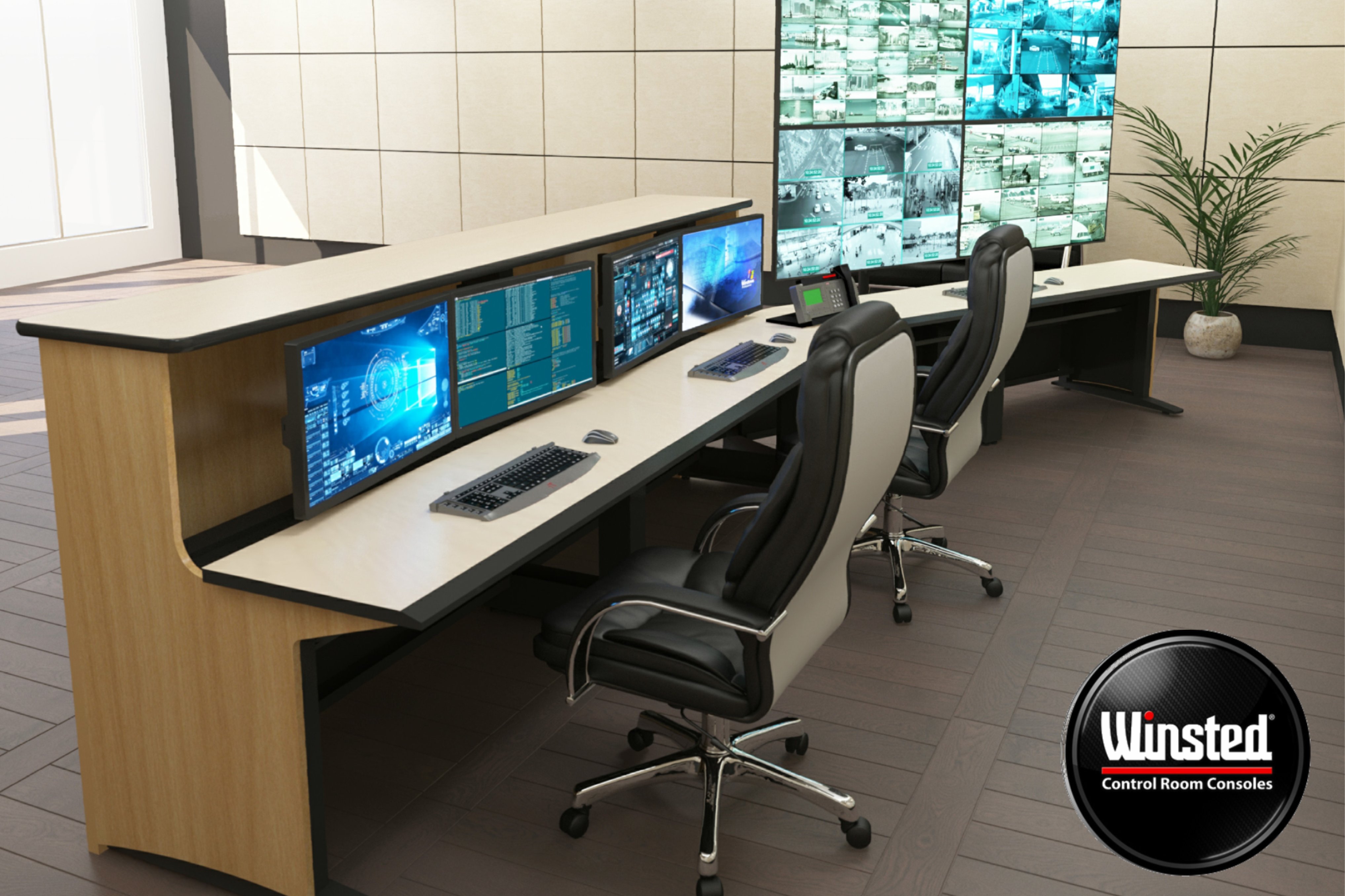
Data security is a growing concern for both individuals and businesses. With Windows 11 Professional and Dell’s business-oriented hardware design, the OptiPlex 3060 provides a secure computing environment.
Features such as enhanced user account controls and system-level protections help safeguard important files and information. This focus on security makes the system suitable for environments where data integrity and privacy are priorities.
A Refurbished System with Professional Standards
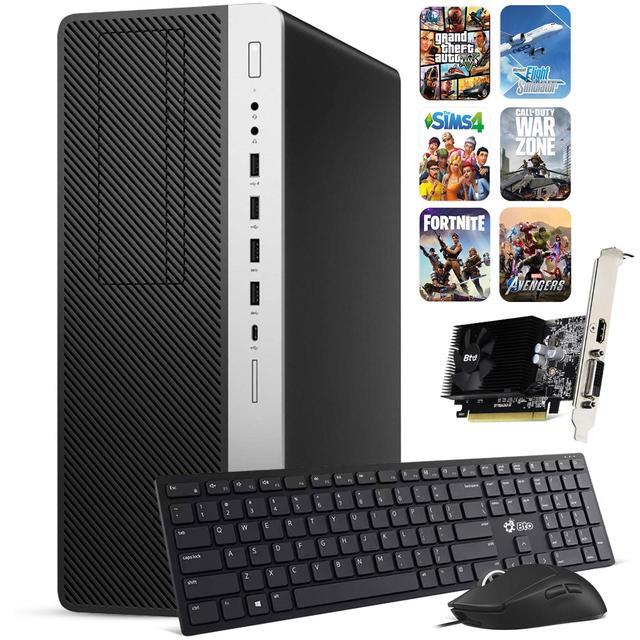
As a renewed desktop, the Dell OptiPlex 3060 offers the advantage of professional-grade hardware that has been inspected and prepared for continued use. Refurbished systems are often chosen by users who want strong performance without compromising reliability.
This approach helps solve the problem of balancing performance needs with sustainability and value, making the OptiPlex 3060 a practical option for users who prioritize dependable hardware.
Long-Term Usability and Value

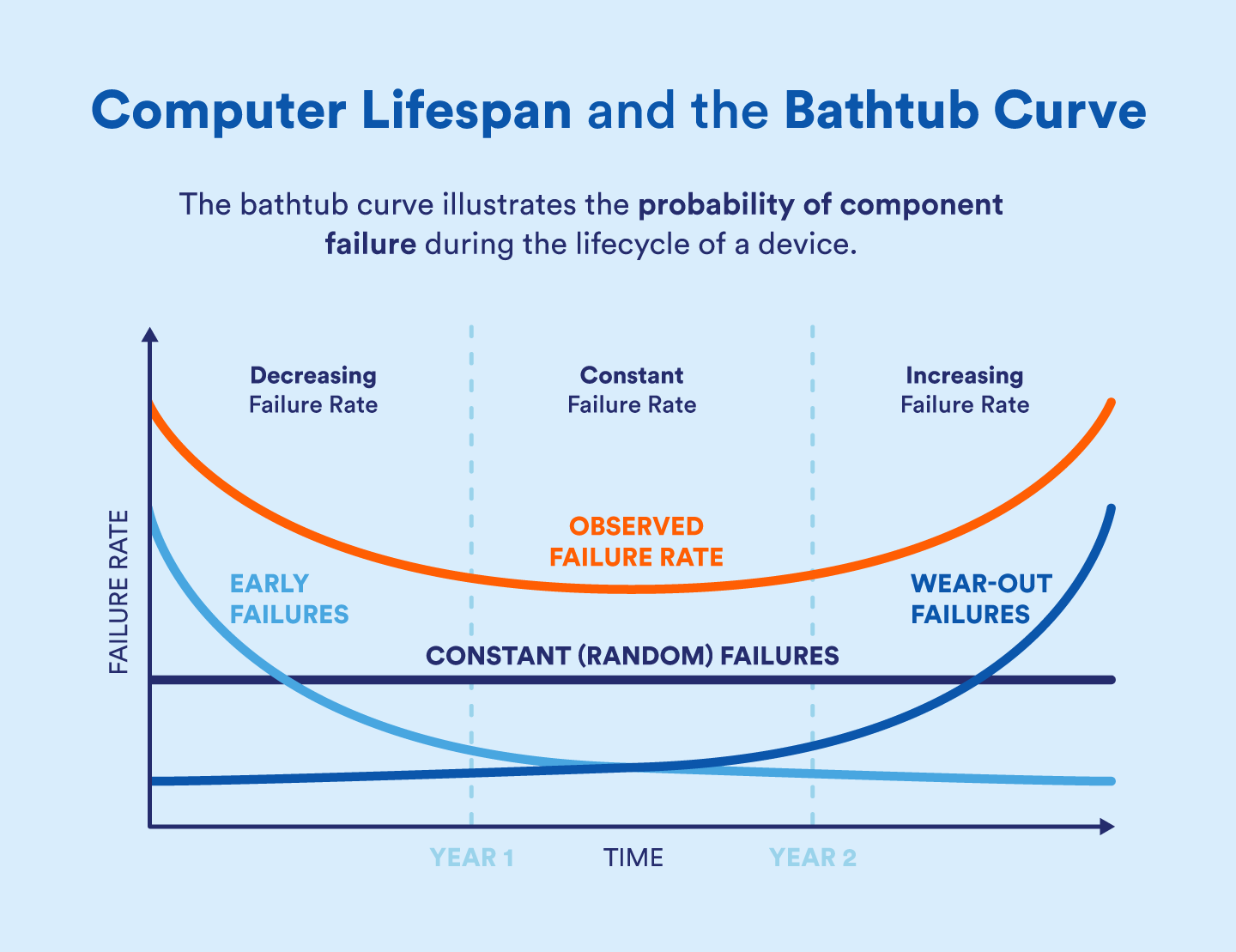
A common frustration with consumer-grade desktops is their limited lifespan under daily use. The Dell OptiPlex line is known for durability, and the 3060 model continues that tradition.
With capable hardware, efficient cooling, and a stable operating system, this desktop is designed to remain useful for years. Its specifications ensure that it can handle evolving software requirements, reducing the need for frequent upgrades.
Final Thoughts on the Dell OptiPlex 3060 Desktop Computer

The Dell OptiPlex 3060 desktop computer stands out as a reliable and well-balanced solution for users who need consistent performance in a compact form. By combining an Intel Core i5-8500 processor, 32GB of DDR4 RAM, and a fast 1TB SSD, it effectively addresses common issues such as slow performance, limited multitasking capability, and long loading times.
Its built-in wireless connectivity, quiet operation, and Windows 11 Professional environment further enhance usability for both home and office scenarios. Rather than focusing on unnecessary extras, this system prioritizes stability, efficiency, and long-term value. For users seeking a dependable desktop that can support everyday productivity without complications, the Dell OptiPlex 3060 remains a strong and practical choice.